1. Introduction to Digitizing Public Services for Government Agencies
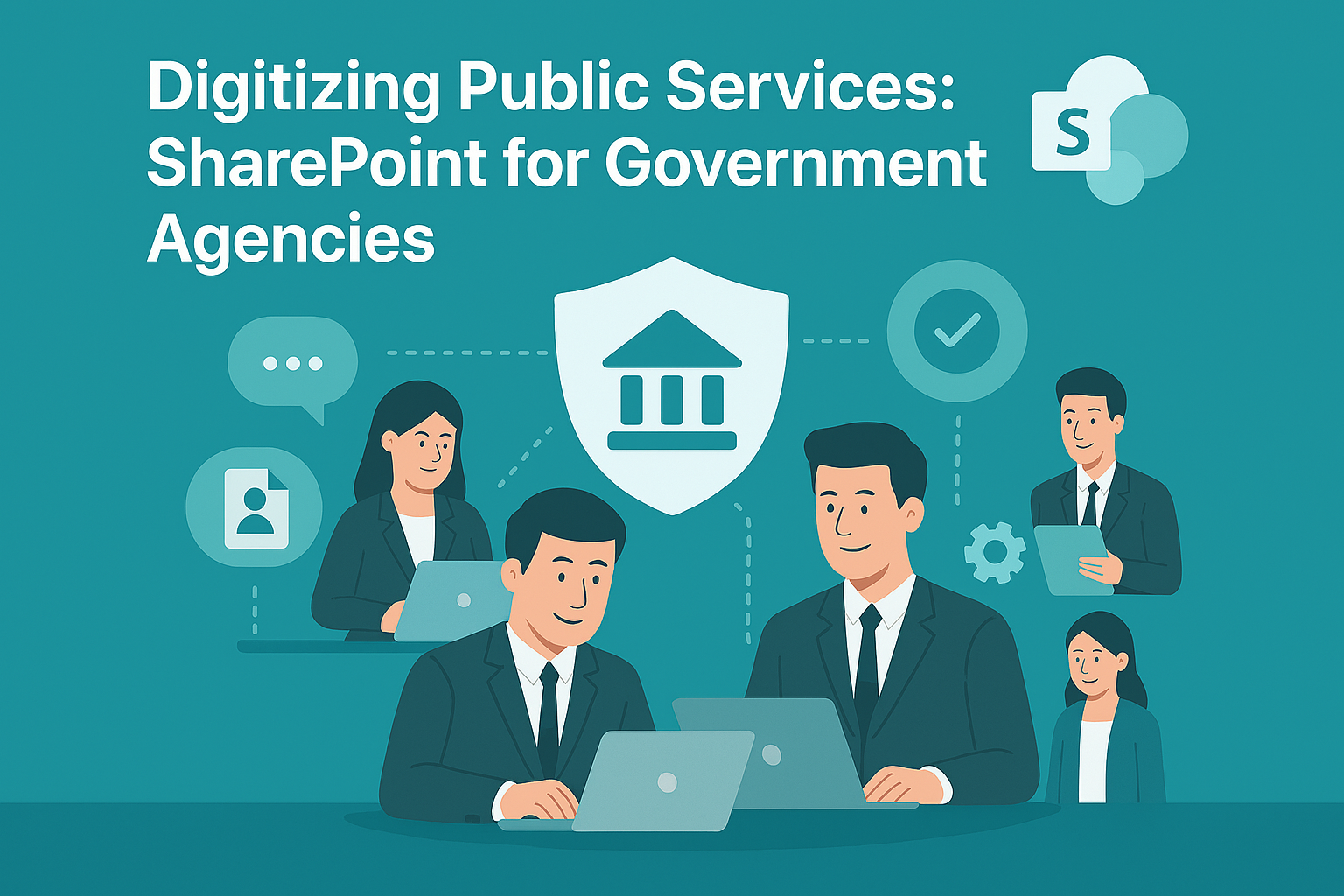
Digitizing Public Services for Government Agencies is no longer optional—it’s a necessity. Citizens expect fast, transparent, and accessible services. Traditional paper-based processes slow down service delivery and increase operational costs. Microsoft SharePoint offers a secure, scalable platform to modernize public services.
Why Is Digitization Important?
- Efficiency: Reduce paperwork and manual processes.
- Transparency: Improve accountability and citizen trust.
- Accessibility: Provide services online, anytime, anywhere.
Digitizing Public Services for Government Agencies ensures better governance and improved citizen experience.
2. Why Microsoft SharePoint?
Microsoft SharePoint is a robust platform for document management, collaboration, and workflow automation. It enables government agencies to build secure portals, manage records, and streamline processes.
Why Use SharePoint for Public Services?
- Secure Collaboration: Built-in compliance and encryption.
- Workflow Automation: Automate approvals and service requests.
- Integration: Works with Microsoft 365 and government systems.
- Scalability: Suitable for local, regional, and national agencies.
3. 10 Ways Microsoft SharePoint Transforms Public Service Delivery
Here are ten practical ways SharePoint digitizes public services:
1. Citizen Service Portals
Create online portals for service requests and applications.
Benefit: Improves accessibility and reduces in-person visits.
2. Document Management
Digitize and store official documents securely.
Benefit: Eliminates paper-based inefficiencies.
3. Workflow Automation
Automate approvals for permits, licenses, and benefits.
Benefit: Speeds up service delivery.
4. Secure Collaboration
Enable inter-departmental collaboration with role-based access.
Benefit: Protects sensitive government data.
5. Records Management
Maintain compliance with retention policies and audit trails.
Benefit: Simplifies regulatory reporting.
6. Integration with e-Government Systems
Connect SharePoint with ERP and CRM platforms.
Benefit: Creates a unified digital ecosystem.
7. Mobile Access
Provide staff and citizens access via mobile devices.
Benefit: Supports remote and field operations.
8. Public Announcements
Publish notices and updates on SharePoint sites.
Benefit: Enhances transparency and communication.
9. Feedback and Surveys
Collect citizen feedback through integrated forms.
Benefit: Improves service quality and engagement.
10. Analytics and Reporting
Generate dashboards for service performance metrics.
Benefit: Enables data-driven decision-making.
4. Key Benefits of Microsoft SharePoint for Government Agencies
- Improved Efficiency: Automates manual processes.
- Enhanced Security: Compliance-ready platform for sensitive data.
- Better Citizen Experience: Online portals and mobile access.
- Cost Savings: Reduces paper and administrative overhead.
- Scalability: Works for small municipalities and large agencies.
5. Common Use Cases
- Permit Applications: Automate submission and approval workflows.
- Public Records Access: Provide citizens with secure document access.
- Inter-Agency Collaboration: Share resources across departments.
- Policy Publishing: Distribute regulations and guidelines online.
- Citizen Feedback Collection: Use forms and surveys for engagement.
6. Real-World Examples of Microsoft SharePoint in Government Services
Here are detailed examples of how agencies use SharePoint:
Example 1: Municipal Government
A city government uses SharePoint for permit applications and document management.
- Result: Reduced processing time by 50% and improved citizen satisfaction.
Example 2: State Agency
A state agency leverages SharePoint for workflow automation and compliance reporting.
- Result: Streamlined approvals and simplified audits.
Example 3: National Tax Authority
A tax department uses SharePoint for secure collaboration and public announcements.
- Result: Increased transparency and reduced operational costs.
Example 4: Public Health Department
A health agency integrates SharePoint with feedback forms and analytics dashboards.
- Result: Improved service delivery and faster response to citizen needs.
7. Step-by-Step Guide to Setup Microsoft SharePoint
Follow these steps to implement SharePoint for public services:
- Sign in to SharePoint: Access via Microsoft 365 portal.
- Create Sites and Libraries: Organize by department or service type.
- Configure Permissions: Apply role-based access controls.
- Enable Workflows: Automate approvals and notifications.
- Integrate Apps: Connect ERP, CRM, and e-Government systems.
Pro Tip: Use SharePoint templates for government portals to speed up deployment.
8. Best Practices
- Apply Compliance Policies: Ensure adherence to regulations.
- Use Metadata for Documents: Improve search and retrieval.
- Enable Multi-Factor Authentication: Protect sensitive data.
- Regularly Review Audit Logs: Maintain transparency and security.
- Train Staff and Citizens: Promote adoption and usability.
9. Challenges and How to Overcome
While SharePoint simplifies digitization, agencies may face challenges:
- User Adoption: Provide training and support.
- Integration Complexity: Use certified connectors for government systems.
- Cost Management: Monitor premium feature usage.
- Compliance Updates: Stay informed about regulatory changes.
Solution: Start with core features and scale gradually.
10. Conclusion
Microsoft SharePoint redefines public service delivery by offering secure portals, workflow automation, and integrated collaboration tools. Government agencies that adopt SharePoint gain efficiency, transparency, and citizen trust.
🚀 Ready to Modernize Your Public Services?
Whether you’re a local municipality or a national agency, SharePoint can help you digitize processes, improve efficiency, and enhance citizen trust.
👉 Let Motekx help you get started.
We specialize in digital transformation for government agencies—offering free consulting, custom SharePoint setups, and end-to-end IT solutions tailored to your needs.
📞 Contact us today to schedule a free discovery session.
📧 Email: info@motekx.be
Let’s build smarter, faster, and more connected public services—together.