1. Introduction to Secure Collaboration for Financial Advisors
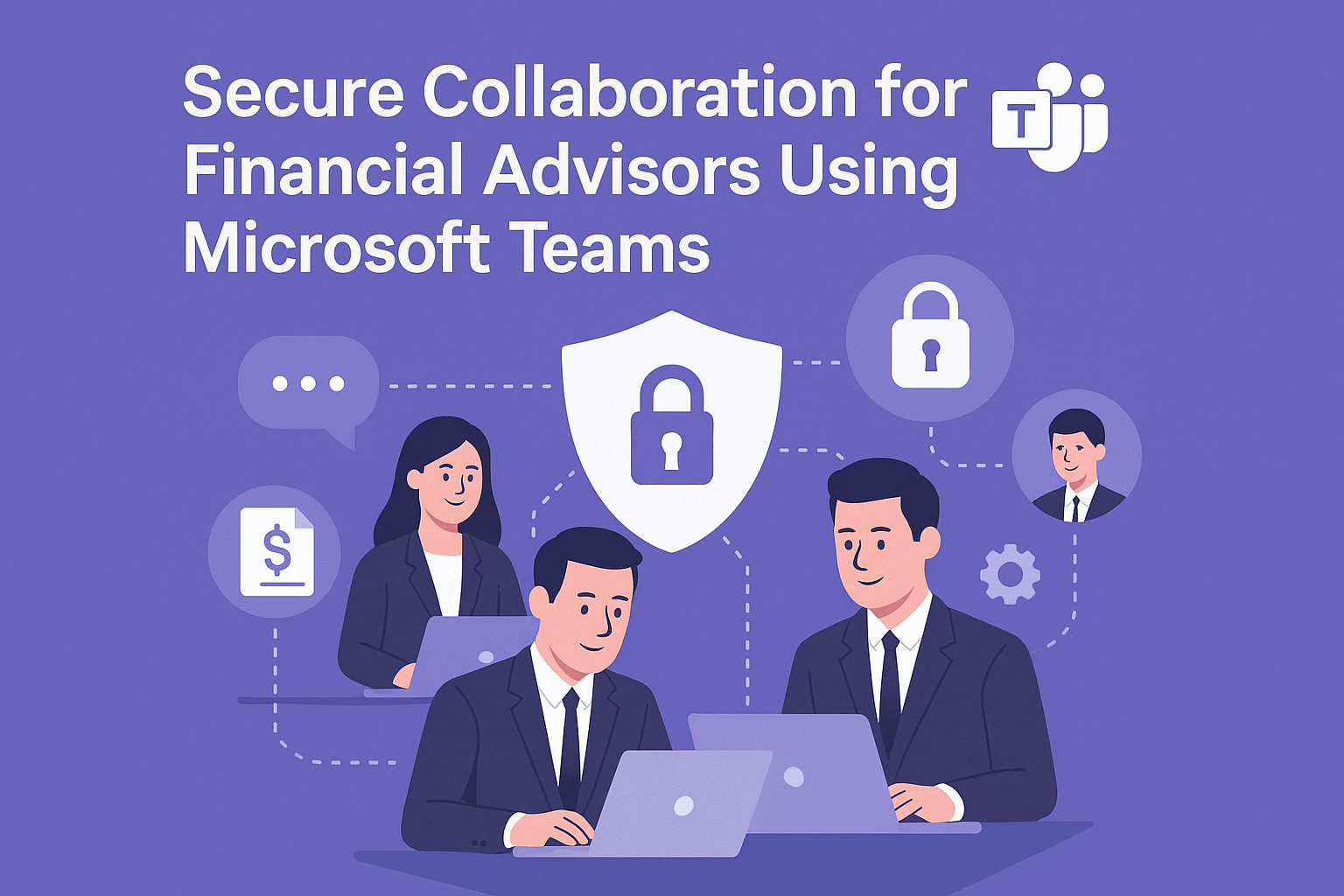
Secure Collaboration for Financial Advisors is critical in today’s digital-first financial landscape. Advisors handle sensitive client data, regulatory documents, and confidential investment strategies. Ensuring secure communication and collaboration is not optional—it’s a compliance requirement.
Why Is Secure Collaboration Important?
- Data Protection: Financial data breaches can lead to severe penalties.
- Regulatory Compliance: Meet standards like GDPR, FINRA, and SEC.
- Client Trust: Secure communication builds confidence and loyalty.
Secure Collaboration for Financial Advisors empowers firms to protect client data while enabling seamless teamwork.
2. Why Microsoft Teams?
Microsoft Teams is a secure, enterprise-grade collaboration platform that combines chat, video conferencing, file sharing, and compliance features.
Why Use Microsoft Teams for Financial Services?
- End-to-End Encryption: Protects sensitive conversations.
- Compliance Tools: Supports industry regulations and audit trails.
- Integration: Works with Microsoft 365 and third-party financial apps.
- Scalability: Suitable for small advisory firms and large institutions.
3. 10 Ways Microsoft Teams Enhances Secure Collaboration
Here are ten practical ways Microsoft Teams helps financial advisors collaborate securely:
1. Encrypted Messaging
All chats and calls are encrypted end-to-end.
Benefit: Protects sensitive client discussions.
2. Secure File Sharing
Share documents with built-in encryption and access controls.
Benefit: Prevents unauthorized access to financial data.
3. Compliance Recording
Enable meeting recording with compliance policies.
Benefit: Simplifies audits and regulatory checks.
4. Multi-Factor Authentication
Require MFA for all users accessing Teams.
Benefit: Reduces risk of unauthorized access.
5. Data Loss Prevention (DLP)
Prevent accidental sharing of sensitive information.
Benefit: Ensures compliance with financial regulations.
6. Role-Based Access Control
Assign permissions based on user roles.
Benefit: Limits access to confidential files.
7. Secure Guest Access
Allow external clients to join meetings securely.
Benefit: Enhances collaboration without compromising security.
8. Integration with Financial Apps
Connect Teams with CRM and portfolio management tools.
Benefit: Streamlines workflows while maintaining security.
9. Audit Logs and Reporting
Track user activity for compliance audits.
Benefit: Provides transparency and accountability.
10. Mobile Security
Enable secure access on mobile devices with conditional policies.
Benefit: Supports advisors working remotely.
4. Key Benefits of Microsoft Teams for Financial Advisors
- Regulatory Compliance: Built-in tools for FINRA, SEC, and GDPR adherence.
- Enhanced Security: Encryption, MFA, and DLP policies.
- Improved Productivity: Centralized communication and document sharing.
- Client Confidence: Secure collaboration builds trust.
- Scalability: Works for firms of all sizes.
5. Common Use Cases
- Client Meetings: Conduct secure video calls with encrypted communication.
- Document Collaboration: Share investment reports and contracts securely.
- Team Coordination: Manage internal projects with compliance controls.
- Regulatory Audits: Provide audit-ready logs and meeting recordings.
- Remote Advisory Services: Enable secure collaboration from any location.
6. Real-World Examples of Microsoft Teams for Secure Collaboration
Here are detailed examples of how financial firms use Microsoft Teams:
Example 1: Wealth Management Firm
A global wealth management company uses Teams for secure client meetings and document sharing.
- Implements MFA and DLP policies for compliance.
- Result: Reduced data breach risk and improved client trust.
Example 2: Investment Advisory Group
An advisory group integrates Teams with CRM tools for portfolio discussions and compliance recording.
- Result: Streamlined workflows and faster audit preparation.
Example 3: Regional Financial Institution
A regional bank uses Teams for remote advisory services and secure guest access.
- Result: Expanded client reach while maintaining security standards.
Example 4: Independent Financial Advisors
Independent advisors leverage Teams for mobile security and encrypted messaging.
- Result: Increased flexibility without compromising compliance.
7. Step-by-Step Guide to Setup Microsoft Teams
Follow these steps to implement Teams for secure collaboration:
- Sign in to Microsoft Teams: Access via Microsoft 365 portal.
- Configure Security Settings: Enable MFA, encryption, and DLP policies.
- Set Up Compliance Recording: Apply retention and audit policies.
- Create Teams and Channels: Organize by client or project.
- Integrate Apps: Connect CRM and financial tools.
Pro Tip: Use Microsoft 365 Compliance Center for advanced security settings.
8. Best Practices
- Enable MFA for All Users: Reduce unauthorized access risks.
- Apply DLP Policies: Prevent accidental data leaks.
- Use Role-Based Access: Limit sensitive data exposure.
- Regularly Review Audit Logs: Ensure compliance and detect anomalies.
- Train Advisors on Security Protocols: Promote best practices.
9. Challenges and How to Overcome
While Teams simplifies secure collaboration, financial firms may face challenges:
- User Adoption: Provide training and onboarding sessions.
- Integration Complexity: Use certified connectors for financial apps.
- Cost Management: Monitor premium feature usage.
- Compliance Updates: Stay informed about regulatory changes.
Solution: Start with core security features and scale gradually.
10. Conclusion
Microsoft Teams transforms secure collaboration for financial advisors by offering encrypted communication, compliance tools, and productivity features. Firms that adopt Teams gain a competitive edge in client trust and regulatory adherence.
🚀Ready to Secure Your Financial Collaboration?
Whether you’re an independent advisor or part of a global firm, Microsoft Teams can help you collaborate securely and efficiently.
👉 Let Motekx help you get started.
We specialize in digital transformation for financial services—offering free consulting, custom Teams setups, and end-to-end IT solutions tailored to your needs.
📞 Contact us today to schedule a free discovery session.
📧 Email: info@motekx.be
Let’s build smarter, safer, and more connected financial services—together.