1. Introduction to Document Management in Manufacturing Plants
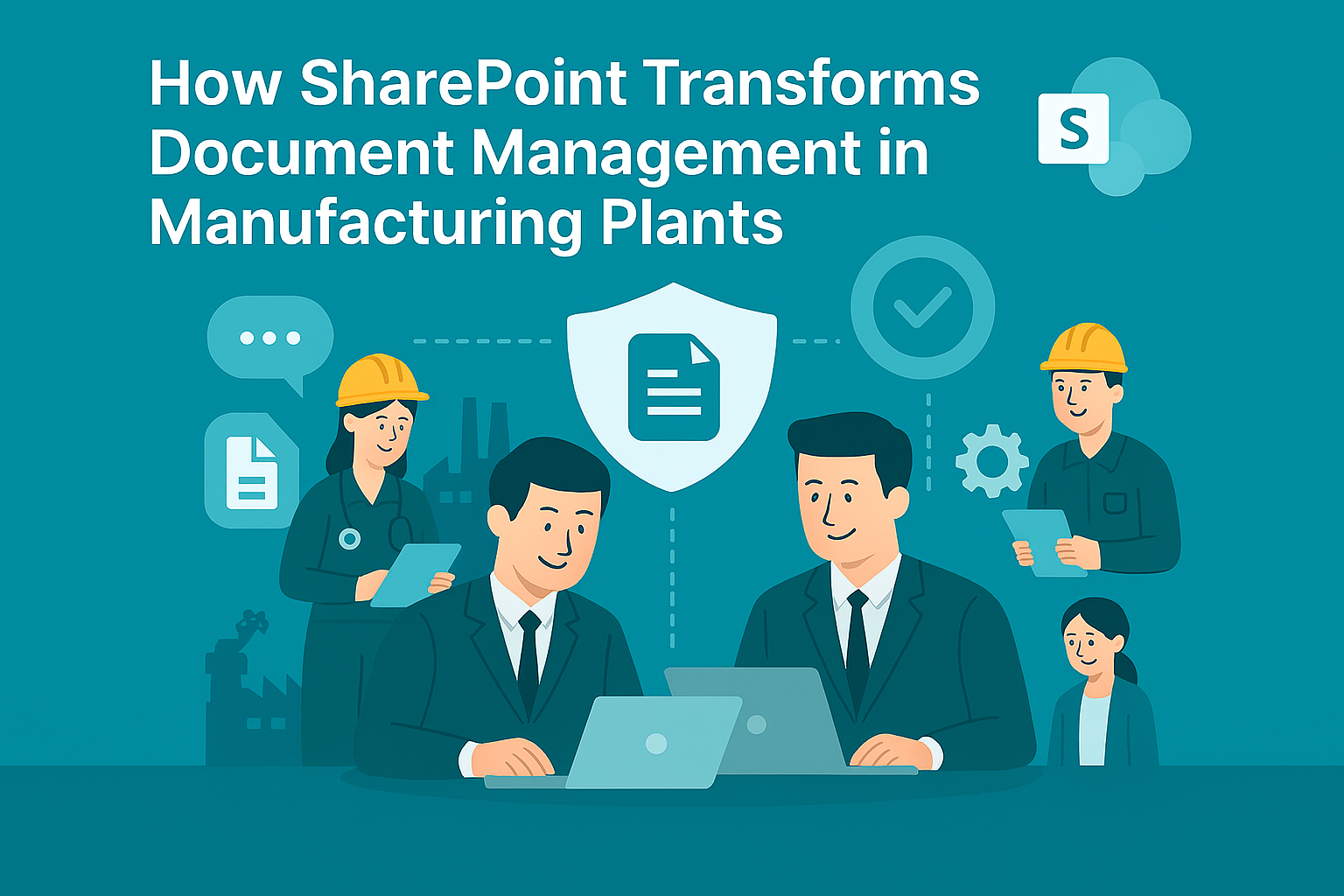
Document Management in Manufacturing Plants is critical for maintaining operational efficiency, compliance, and safety. Manufacturing environments generate vast amounts of documentation—such as SOPs, quality control reports, maintenance logs, and compliance certificates. Managing these documents manually leads to inefficiencies and risks.
Why Is Document Management Important?
- Compliance: Meet ISO, OSHA, and industry standards.
- Operational Efficiency: Reduce downtime caused by missing or outdated documents.
- Data Security: Protect sensitive production and design information.
Document Management in Manufacturing Plants ensures accuracy, accessibility, and compliance across all operations.
2. Why Microsoft SharePoint?
Microsoft SharePoint is a robust platform for document storage, collaboration, and workflow automation. It provides manufacturing plants with a centralized, secure, and scalable solution for managing critical documents.
Why Use SharePoint for Manufacturing?
- Secure Storage: Built-in encryption and compliance features.
- Workflow Automation: Streamline approvals and document updates.
- Integration: Works with ERP, MES, and Microsoft 365 tools.
- Scalability: Suitable for single plants or global manufacturing networks.
3. 10 Ways Microsoft SharePoint Enhances Document Management
Here are ten practical ways SharePoint transforms document control in manufacturing:
1. Centralized Document Repository
Store all SOPs, manuals, and compliance documents in one secure location.
Benefit: Eliminates duplication and improves accessibility.
2. Version Control
Track changes and maintain the latest document versions.
Benefit: Prevents errors caused by outdated information.
3. Role-Based Access
Assign permissions based on job roles (operators, supervisors, auditors).
Benefit: Protects sensitive data and ensures compliance.
4. Workflow Automation
Automate document approval processes for quality and compliance.
Benefit: Speeds up updates and reduces manual errors.
5. Mobile Access
Enable staff to access documents on tablets and smartphones.
Benefit: Supports shop-floor operations and remote audits.
6. Integration with ERP and MES
Connect SharePoint with enterprise systems for real-time data sync.
Benefit: Creates a unified digital ecosystem.
7. Compliance Management
Apply retention policies and audit trails for ISO and OSHA standards.
Benefit: Simplifies regulatory reporting.
8. Secure File Sharing
Share documents with suppliers and contractors securely.
Benefit: Enhances collaboration without compromising security.
9. Document Tagging and Metadata
Use metadata for quick search and categorization.
Benefit: Improves retrieval and reduces downtime.
10. Automated Alerts
Notify teams about document updates or compliance deadlines.
Benefit: Ensures timely actions and reduces risks.
4. Key Benefits of Microsoft SharePoint for Manufacturing
- Improved Efficiency: Centralized storage and automated workflows.
- Enhanced Security: Encryption, MFA, and compliance tools.
- Better Collaboration: Secure sharing with internal and external stakeholders.
- Cost Savings: Reduces paper-based processes and manual errors.
- Scalability: Works for small plants and global enterprises.
5. Common Use Cases
- Standard Operating Procedures (SOPs): Store and update SOPs securely.
- Quality Control Reports: Automate approval workflows for QC documents.
- Maintenance Logs: Digitize and track equipment maintenance records.
- Compliance Certificates: Manage ISO and OSHA documentation.
- Supplier Collaboration: Share technical specifications securely.
6. Real-World Examples of Microsoft SharePoint for Document Control
Here are detailed examples of how manufacturing plants use SharePoint:
Example 1: Automotive Manufacturer
An automotive company uses SharePoint for centralized SOP storage and version control.
- Result: Reduced production errors by 30% and improved compliance audits.
Example 2: Food Processing Plant
A food manufacturer leverages SharePoint for workflow automation and compliance management.
- Result: Faster approval cycles and zero missed regulatory deadlines.
Example 3: Electronics Factory
An electronics plant integrates SharePoint with ERP systems for real-time document updates.
- Result: Improved operational efficiency and reduced downtime.
Example 4: Global Chemical Company
A chemical manufacturer uses SharePoint for secure supplier collaboration and document tagging.
- Result: Enhanced supply chain transparency and faster product launches.
7. Step-by-Step Guide to Setup Microsoft SharePoint
Follow these steps to implement SharePoint for document management:
- Sign in to SharePoint: Access via Microsoft 365 portal.
- Create Document Libraries: Organize by department or process.
- Configure Permissions: Apply role-based access controls.
- Enable Workflows: Automate approvals and notifications.
- Integrate Apps: Connect ERP, MES, and compliance tools.
Pro Tip: Use SharePoint templates for manufacturing operations to speed up deployment.
8. Best Practices
- Apply Metadata: Improve search and categorization.
- Enable MFA for All Users: Reduce unauthorized access risks.
- Regularly Review Audit Logs: Maintain compliance and detect anomalies.
- Train Staff on SharePoint Usage: Promote adoption and efficiency.
- Schedule Document Reviews: Keep SOPs and compliance documents updated.
9. Challenges and How to Overcome
While SharePoint simplifies document management, manufacturing plants may face challenges:
- User Adoption: Provide training and onboarding sessions.
- Integration Complexity: Use certified connectors for ERP and MES systems.
- Cost Management: Monitor premium feature usage.
- Compliance Updates: Stay informed about regulatory changes.
Solution: Start with core features and scale gradually.
10. Conclusion
Microsoft SharePoint revolutionizes document management in manufacturing plants by offering secure storage, workflow automation, and compliance tools. Plants that adopt SharePoint gain efficiency, accuracy, and regulatory confidence.
🚀 Ready to Transform Your Manufacturing Operations?
Whether you’re running a single plant or managing a global supply chain, SharePoint can revolutionize how your teams handle documents, collaborate, and stay compliant.
👉 Let Motekx help you get started.
We specialize in digital transformation for manufacturing and industrial businesses—offering free consulting, custom SharePoint setups, and end-to-end IT solutions tailored to your needs.
📞 Contact us today to schedule a free discovery session.
📧 Email: info@motekx.be
Let’s build smarter, faster, and more connected manufacturing—together.